 Dictate
Dictation that gets it right.
You've tried dictation apps. You still fix every third word, and the moment you switch languages, they fall apart. Dictate is the focused one: hold a key, talk in whatever languages you speak, let go — and the right words are already there.
Accurate
Built on Soniox — in our tests, the most accurate speech model for people who mix languages. Names and jargon you teach it stay right.
Fast
Your words show up live while you talk and land about half a second after you let go. No spinner, no waiting.
Focused
No account, no editor, no feed. One key, a small pill at the bottom of the screen, and your words wherever the cursor is.
Speak the way you actually speak
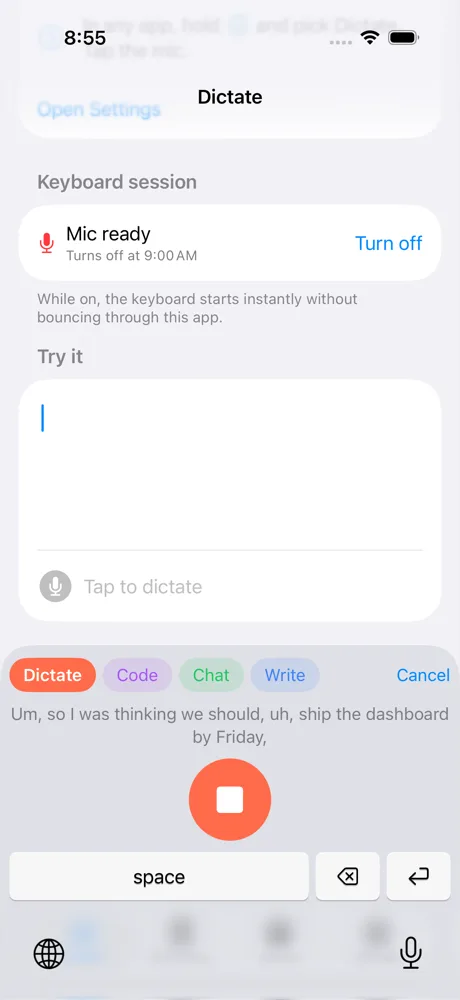
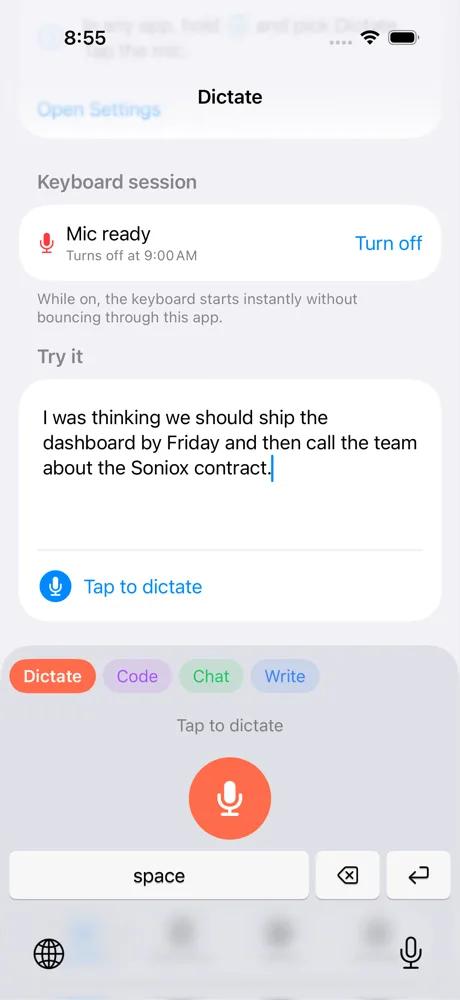
English, Spanish and French in one breath, accents and all. Dictate writes what you said, in the language you said it — and drops the ums, the false starts and the “no wait, Friday” on the way.
The right voice for every app
Every dictation starts as a clean transcript. Tap ⇧ while you talk to switch modes: a message that sounds like you, a structured prompt for your AI tools, or clear prose. Or let Dictate pick by app — WhatsApp and Slack in Chat, your terminal in Code, Docs and email in Write.

Dictate
Exactly what you said, cleaned up. The default, everywhere.

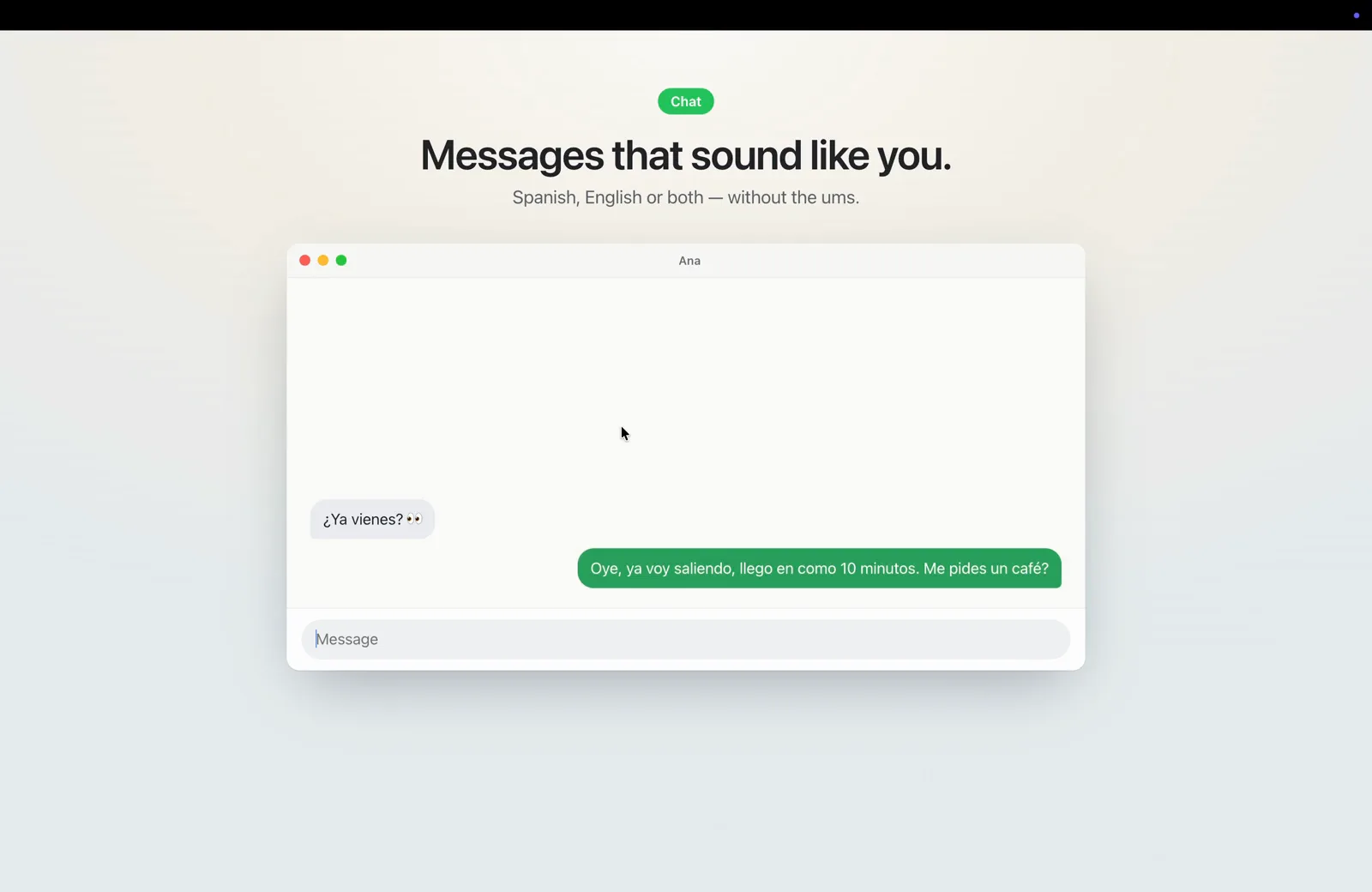
Chat
Short, natural messages in your own words — never stiffer than you said it.

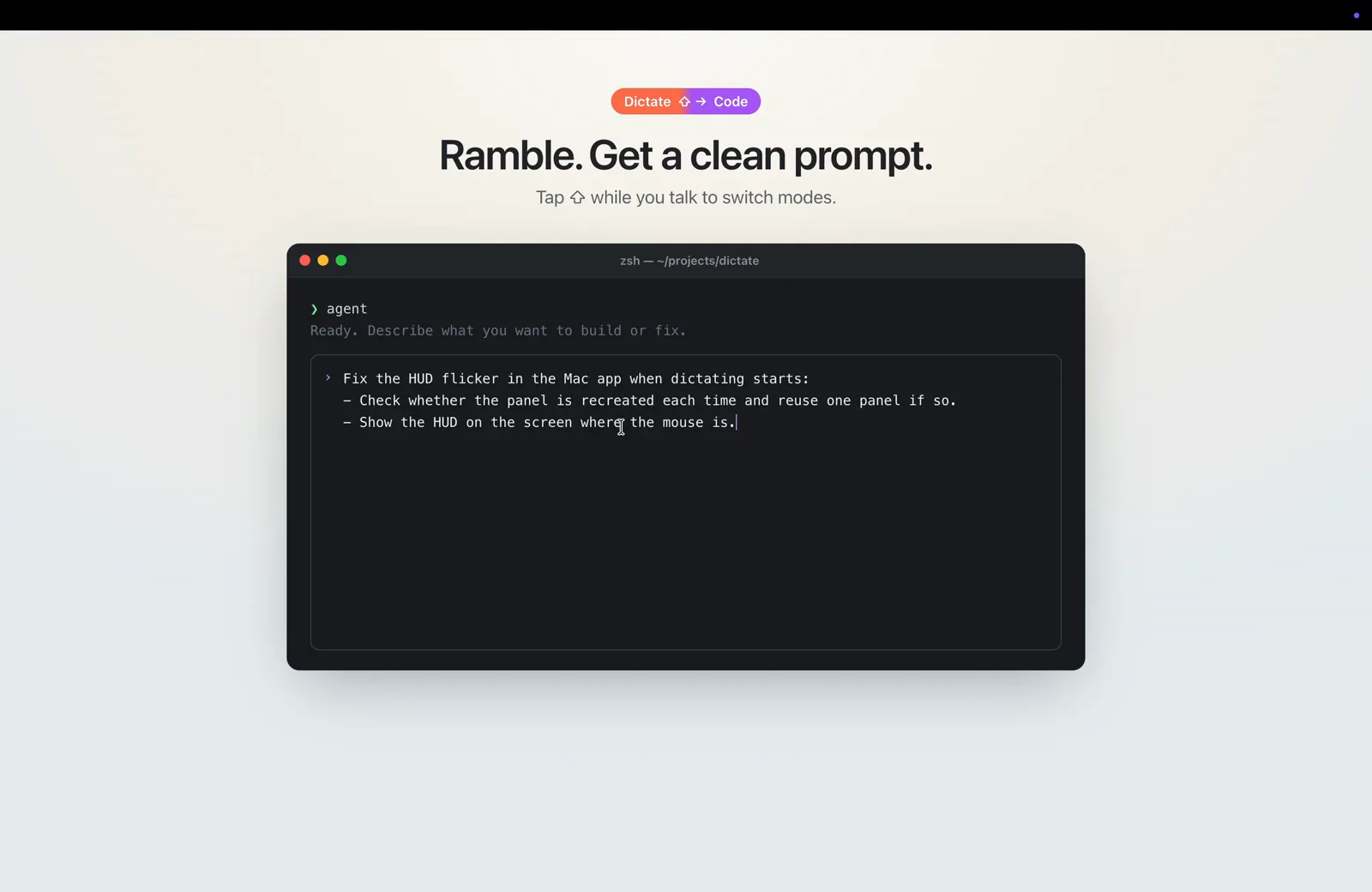
Code
Ramble a request; get a crisp prompt for Claude, ChatGPT or your coding agent. It remembers what you asked before.

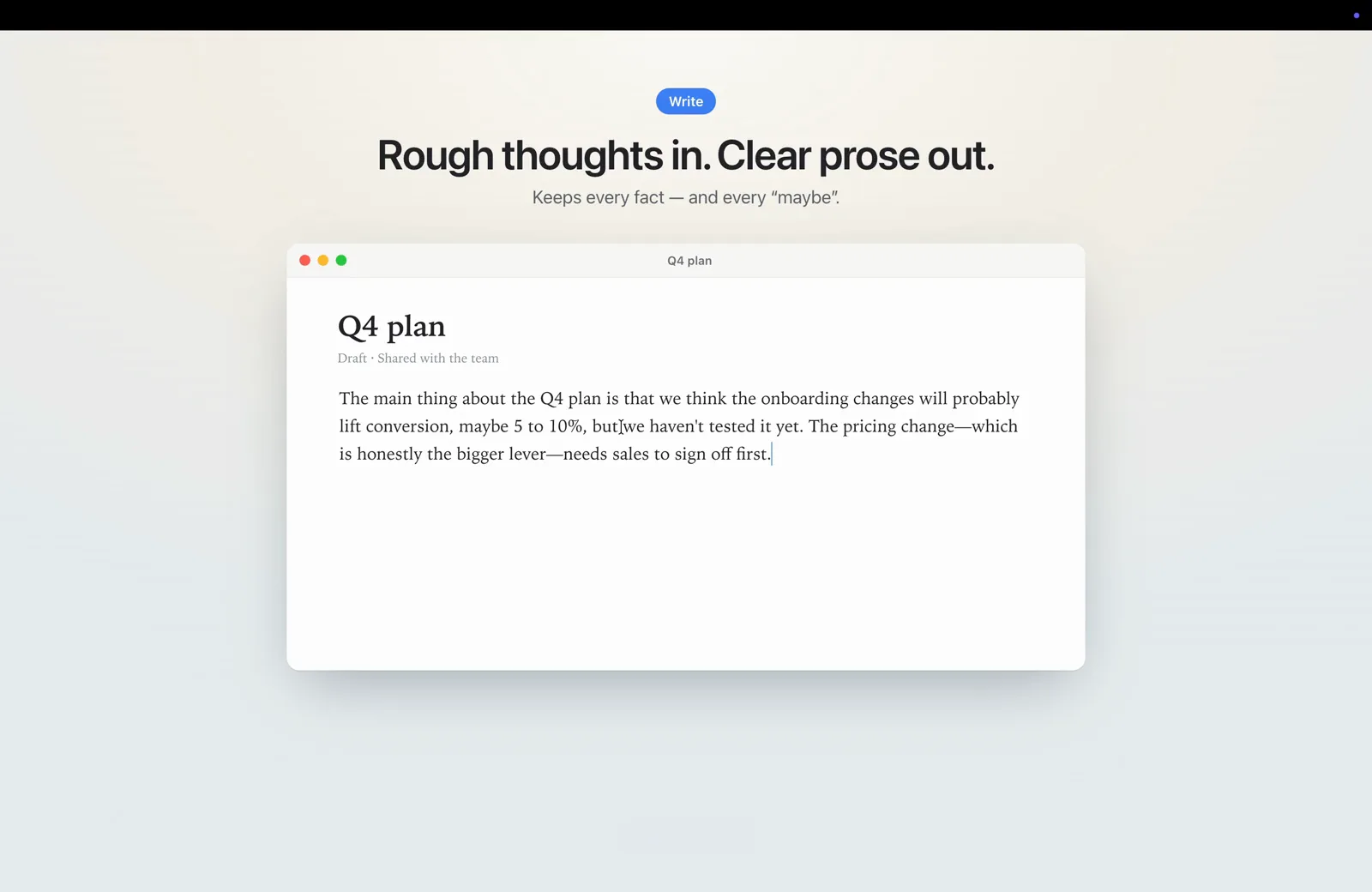
Write
Rough thoughts become clear paragraphs — every fact, number and “maybe” kept.
Make it yours
Every mode is a plain-language instruction you can edit. Add your own — “reply as a support agent”, “turn this into a tweet” — pick a color, and, if you like, choose which apps start in it.

It learns your words
Teach it your team's names, your product, your jargon. Better: just fix a word where it landed, and Dictate notices and gets it right from then on.

On your iPhone, too
The Dictate keyboard puts a big mic in every app, with the same modes and the same dictionary — synced from your Mac.
Get started in a minute
- Download Dictate, unzip it and drag it into Applications. It's signed and notarized by Apple.
- Open it and allow Microphone and Accessibility when asked — that's how it hears you and types for you.
- Paste your license key in Account and press Activate. Then hold Right ⌥, talk, let go.
No license? Bring your own keys instead — Dictate works with:
- Speech
- Soniox — sign up, open API Keys, create a key, paste it in Account.
- Text
- Cerebras (fastest), OpenAI, or any OpenAI-compatible service. Optional — dictation works with Soniox alone.
Get a license
Dictate is in private testing. Leave your email and I'll send you a key — speech and text processing included, no API keys needed.
Thanks — you're on the list. Your key will arrive by email.
That email didn't look right. Try again?
No account. No Dictate server. Your voice goes straight to the speech engine, and your history stays on your devices.